Controls
UIElement and FrameworkElement
WPF's UIElement and FrameworkElement are non-templated control base classes, which roughly equate to the Avalonia Control class. WPF's Control class on the other hand is a templated control - Avalonia's equivalent of this is TemplatedControl.
- In WPF/UWP you would inherit from the
Controlclass to create a new templated control, but in Avalonia you should inherit fromTemplatedControl. - In WPF/UWP you would inherit from the
FrameworkElementclass to create a new custom-drawn control, but in Avalonia you should inherit fromControl.
So to recap:
UIElement🠞ControlFrameworkElement🠞ControlControl🠞TemplatedControl
RenderTransforms and RenderTransformOrigin
RenderTransformOrigins are different in WPF and Avalonia: If you apply a RenderTransform, keep in mind that default value for the RenderTransformOrigin in Avalonia is RelativePoint.Center. In WPF the default value is RelativePoint.TopLeft (0, 0). In controls like Viewbox the same code will lead to a different rendering behavior:
In WPF:
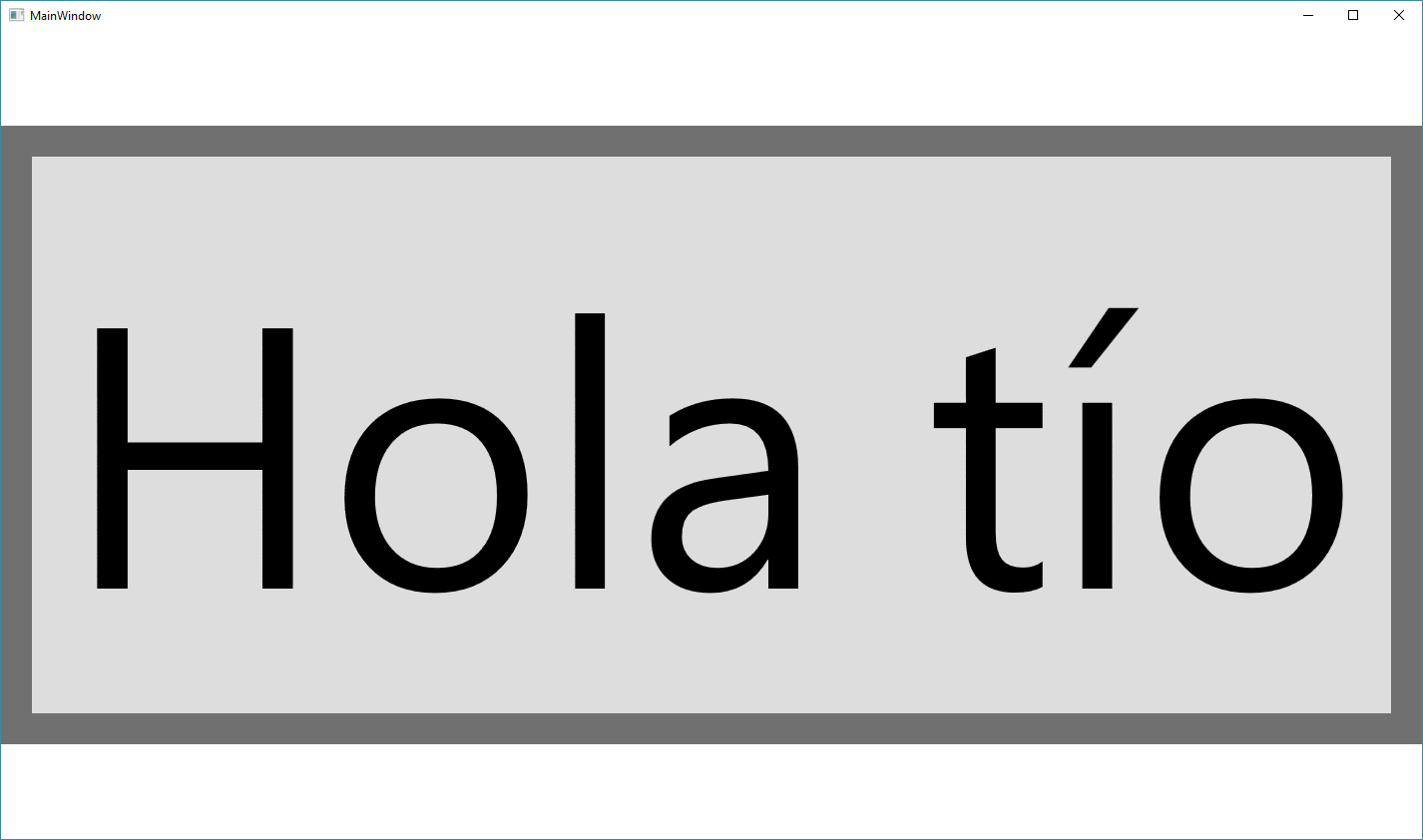
In Avalonia:

In AvaloniaUI, to get the same scale transform we should indicate that the RenderTransformOrigin is the TopLeft part of the Visual.
Grid
Column and row definitions can be specified in Avalonia using strings, avoiding the clunky syntax in WPF:
<Grid ColumnDefinitions="Auto,*,32" RowDefinitions="*,Auto">
A common use of Grid in WPF is to stack two controls on top of each other. For this purpose in Avalonia you can just use a Panel which is more lightweight than Grid.
Have questions or feedback? Join the conversation below.