How to bind to commands
This guide shows you how to use ReactiveUI to bind a view model method (that performs an action) to a control that can initiate an action in response to user interaction (for example, a button). This binding is defined in XAML using the Command attribute, for example:
<Window xmlns="https://github.com/avaloniaui">
    ...
  <StackPanel Margin="20">
      <Button Command="{Binding ExampleCommand}">Run the example</Button>
  </StackPanel>
This guide assumes that you are using the MVVM implementation pattern, and you have based your view model on the ReactiveUI framework.
To review the concept behind the MVVM implementation pattern, see here.
If you created your application using the Avalonia MVVM Application solution template then your solution will already contain the ReactiveUI framework package, and you can reference it like this:
using ReactiveUI;
A view model that can perform actions implements them through the ICommand interface. The ReactiveUI framework provides the ReactiveCommand class that implements ICommand.
For details of the definition of the ICommand interface, see here.
The Command attribute data binding will call the bound view model method through its ICommand.Execute interface, when the bound control is activated. In this example: when the button is clicked.
To create a view model with a ReactiveCommand, follow this example:
- In your view model, declare a command, like this:
public ReactiveCommand<Unit, Unit> ExampleCommand { get; }
- Create a private method in the view model to perform the action.
- Initialize the reactive command, passing the name of the method that performs the action.
Your view model code will now look like this:
namespace AvaloniaGuides.ViewModels
{
    public class MainWindowViewModel
    {
        public ReactiveCommand<Unit, Unit> ExampleCommand { get; }

        public MainWindowViewModel()
        {
            ExampleCommand = ReactiveCommand.Create(PerformAction);
        }
        private void PerformAction()
        {
            Debug.WriteLine("The action was called.");
        }
    }
}
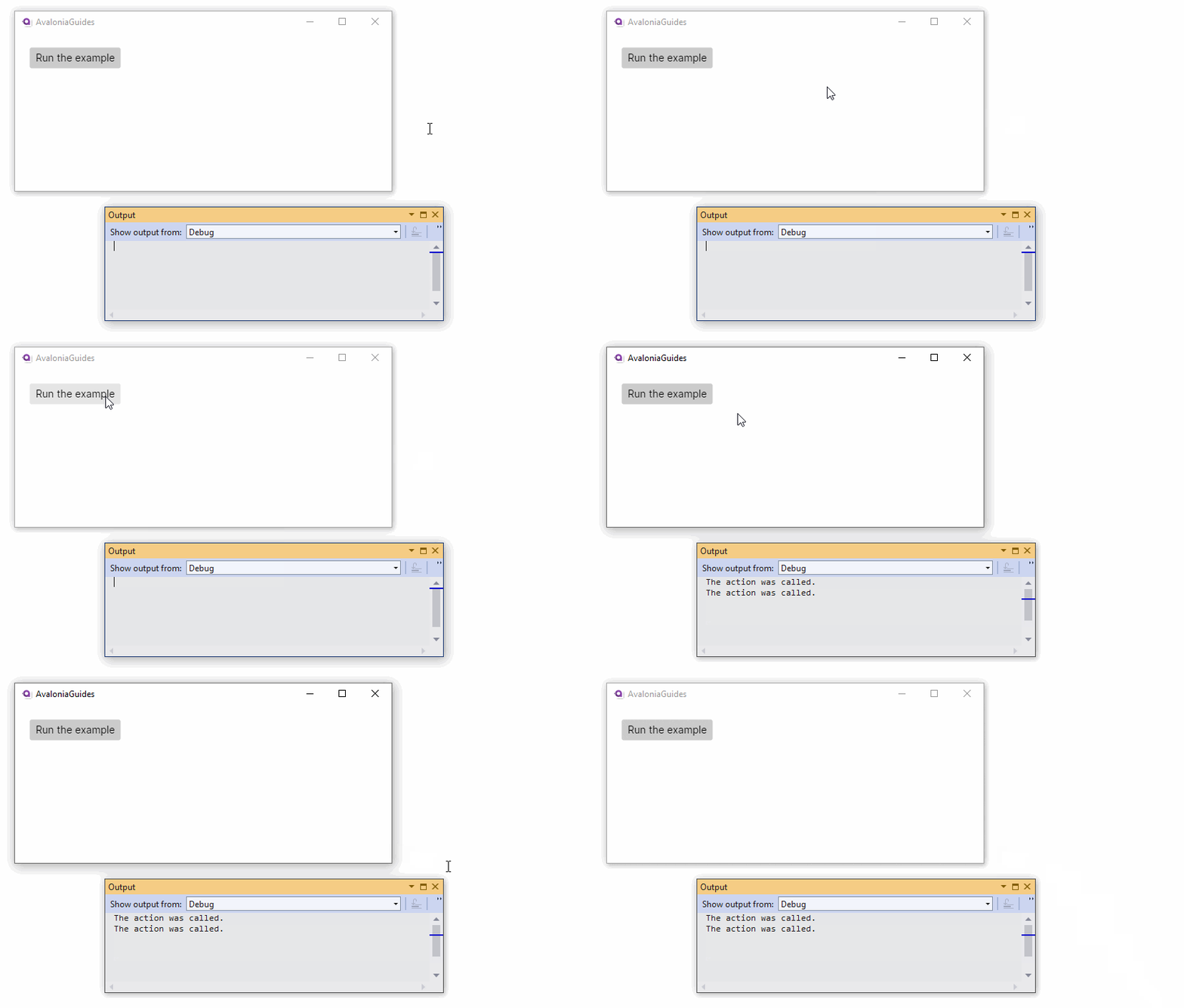
- Run the app and monitor the debug output.
When the control bound to the reactive command is activated (in this example: when the button is clicked); then the private method to perform the action is called through the reactive command.
Command Parameter
You will often need to pass an argument to the reactive command that is bound to a control. You can achieve this using the CommandParameter attribute in the XAML. For example:
<Window xmlns="https://github.com/avaloniaui">
   ...
   <StackPanel Margin="20">
      <Button Command="{Binding ExampleCommand}"
              CommandParameter="From the button">Run the example</Button>
   </StackPanel>
</Window>
You must now modify the view model so that the reactive commend expects a string parameter, the initialisation expects a string parameter, and the private method to perform the action expects a string parameter. As follows:
namespace AvaloniaGuides.ViewModels
{
    public class MainWindowViewModel
    {
        public ReactiveCommand<string, Unit> ExampleCommand { get; }

        public MainWindowViewModel()
        {
            ExampleCommand = ReactiveCommand.Create<string>(PerformAction);
        }
        private void PerformAction(string msg)
        {
            Debug.WriteLine($"The action was called. {msg}");
        }
    }
}
Note that no type conversion is carried out on the CommandParameter attribute, so if you need to use a type parameter that is not a string, then you must define the type in the XAML. You will also need to use the expanded XAML syntax for the parameter.
For example to pass an integer parameter:
<Window xmlns="https://github.com/avaloniaui"
        xmlns:sys="clr-namespace:System;assembly=mscorlib">
 ...
    <Button Command="{Binding ExampleIntegerCommand}">
        <Button.CommandParameter>
            <sys:Int32>42</sys:Int32>
        </Button.CommandParameter>
        What is the answer?
    </Button>
</Window>
You will get an error if your parameter definitions are missing or not the correct type.
Like any other property, the command parameter can be bound.
Binding without ReactiveUI
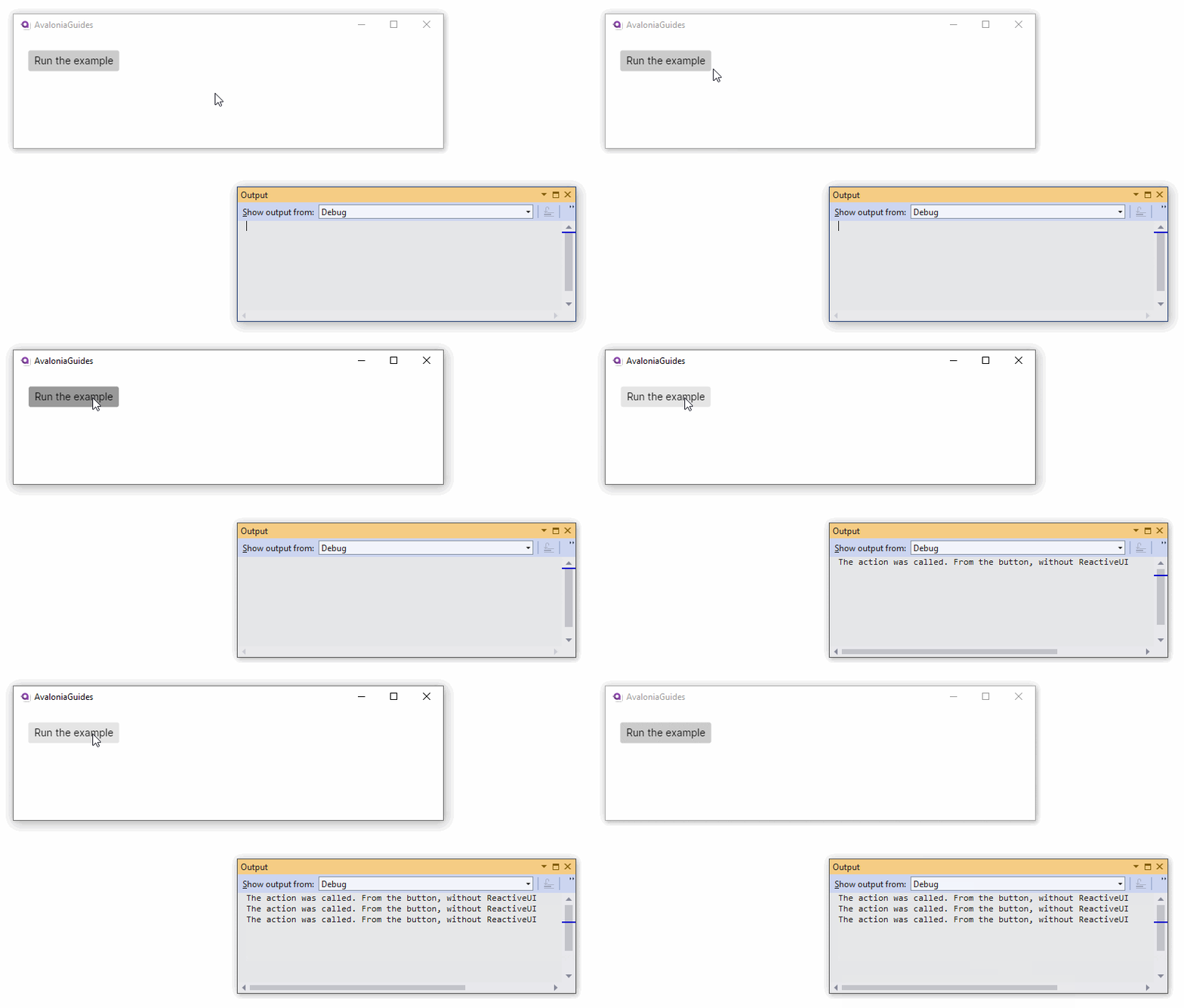
Sometimes you just want to call a method when a button is clicked without the full ceremony of creating a reactive command, using the ReactiveUI framework.
Avalonia UI data binding allows you to implement directly both a view model method that performs an action, and a property that can control whether the method can execute.
For example, using the XAML as follows:
<Window xmlns="https://github.com/avaloniaui">
   ...
   <StackPanel Margin="20">
      <Button Command="{Binding PerformAction}"
              CommandParameter="From the button, without ReactiveUI">
              Run the example</Button>
   </StackPanel>
</Window>
You can write a view model capable of running the action, like this
namespace AvaloniaGuides.ViewModels
{
    public class MainWindowViewModel
    {
        public void PerformAction(object msg)
        {
            Debug.WriteLine($"The action was called. {msg}");
        }
    }
}
Can Execute?
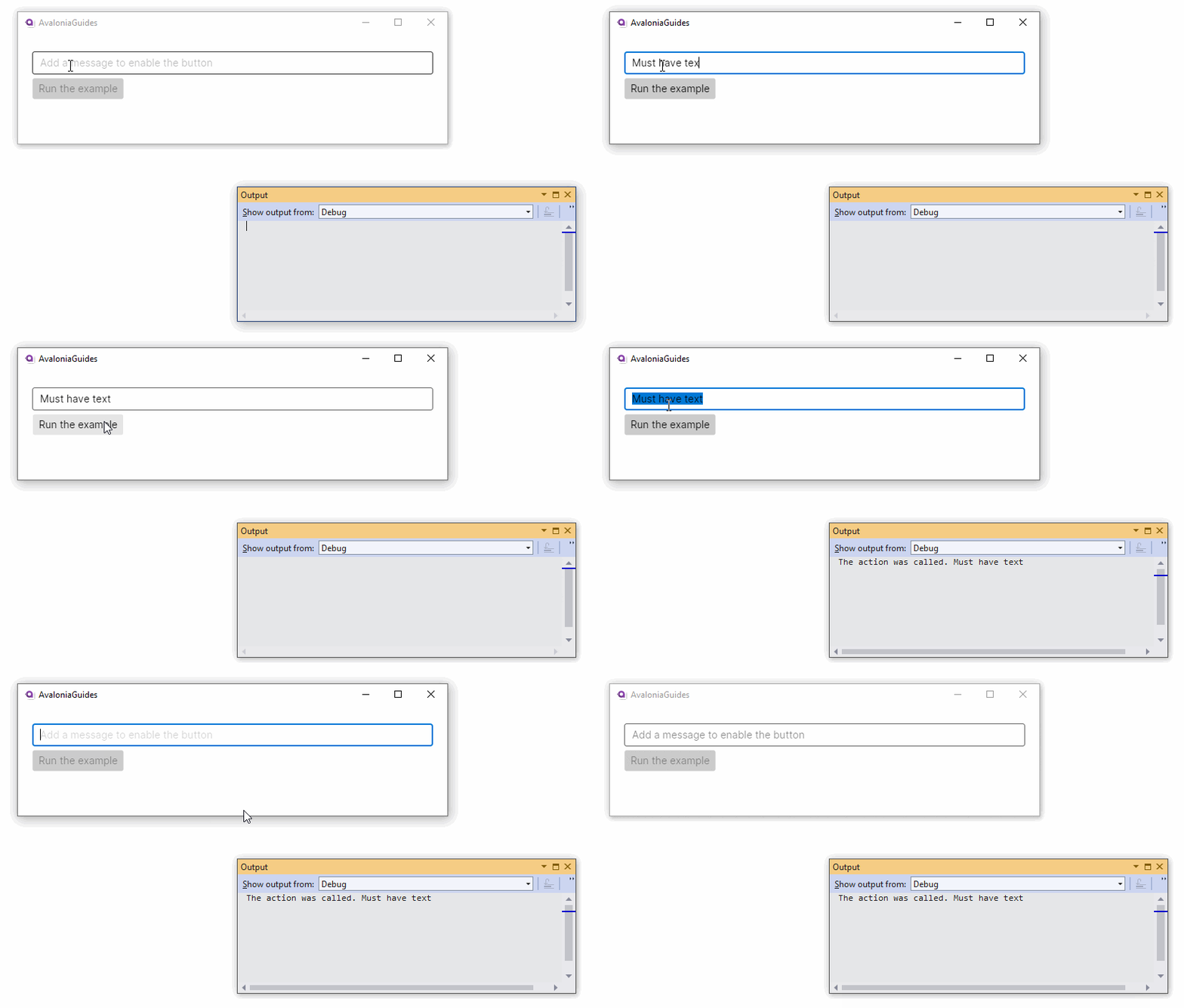
Avalonia UI data binding provides a simple way of implementing a 'can execute?' feature using a naming convention.
If you need to have execution dependent on the value of a command parameter or a view model property, then you can write a second Boolean method to check if the action method can execute.
To make this work, Avalonia UI uses the naming convention that the Boolean method has the same root name as the action method, but with the added prefix 'Can'.
For example:
namespace AvaloniaGuides.ViewModels
{
    public class MainWindowViewModel
    {
        public void PerformAction(object msg)
        {
            Debug.WriteLine($"The action was called. {msg}");
        }

        public bool CanPerformAction(object msg)
        {
            if (msg!=null) return !string.IsNullOrWhiteSpace( msg.ToString() );
            return false;
        }
    }
}
So, extending the example XAML to supply the parameter (string) from a text box:
<StackPanel Margin="20">
  <TextBox Margin="0 5" x:Name="message"
           Watermark="Add a message to enable the button"/>
  <Button Command="{Binding PerformAction}"
          CommandParameter="{Binding #message.Text}">
    Run the example
  </Button>
</StackPanel>
This example uses the technique of binding directly to another control. You can see how to do this, here.
You will see that the button becomes enables only when the text box contains a string.
Trigger Can Execute
If you want to trigger the 'can execute?' method from another property in your view model, then you will have to decorate the property with one or more DependsOn attributes, and write the code to invoke property changed events yourself.
This technique applies to a view model that is not using the ReactiveUI framework.
Have questions or feedback? Join the conversation below.